Limited time offer · Otto webstore exclusive
Back-to-School Savings with ACUVUE®
Your patients save up to $75 instantly on ACUVUE® 1-Day contact lenses — but only when they purchase through your Otto webstore. Here's how to run it, plus the banner and social posts to promote it.
The offer
Two savings tiers, applied instantly at checkout. Limit one redemption per person.
$75
Off · instantly
Annual supply
8 × 90-packs OR 24 × 30-packs
$30
Off · instantly
6-month supply
4 × 90-packs OR 12 × 30-packs
Eligible lenses
- ACUVUE® OASYS MAX 1-Day Sphere or Multifocal
- ACUVUE® OASYS MAX 1-Day for Astigmatism or Multifocal Astigmatism (30-packs)
- ACUVUE® OASYS 1-Day Sphere or Astigmatism (90-packs)
How it works
Three steps — nothing to submit, no promo code for the patient to remember.
Send an order link
In store, on the phone, or by text — send the patient an Otto order link for their annual or 6-month supply instead of ringing it through in-store.
Patient checks out online
The discount comes off their subtotal automatically at checkout. They pay the reduced amount — no forms, no mail-in rebate.
You're reimbursed
You front the discount at checkout, then Johnson & Johnson reimburses your clinic the full $75 or $30 per redemption after the promo ends. Nothing to file.
How to send an order link
A quick walkthrough — the one step that makes this promo work.
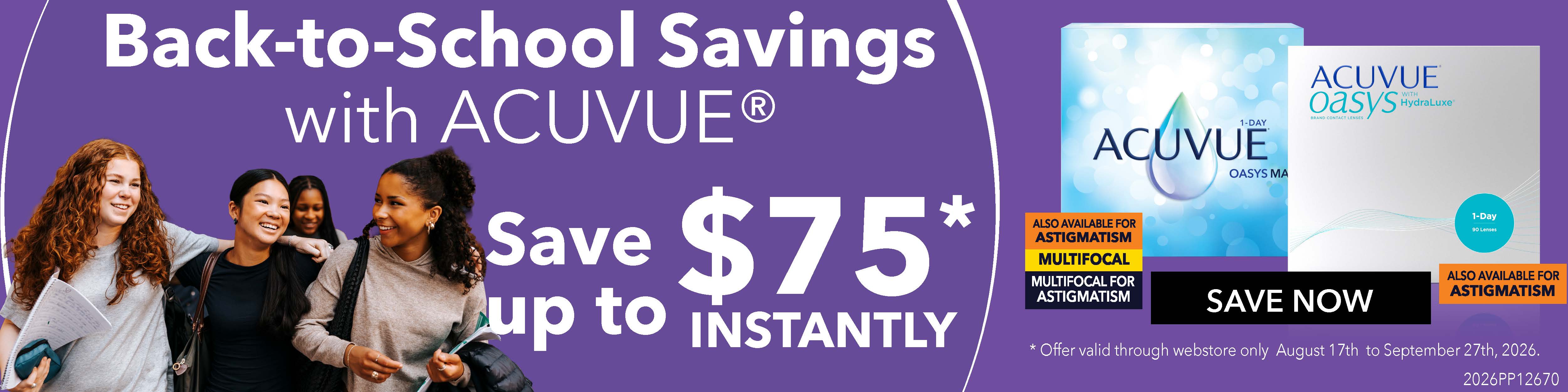
Get the webstore banner
Download the graphic and add it to your Otto webstore so patients see the offer the moment they land.
How to upload it to your webstore
Takes about two minutes in your Otto admin.
- Download the banner above and save it somewhere you can find it — your desktop or downloads folder.
- Log in to Otto and go to Settings → Webstore.
- Find the Banner section and click Upload (or Replace if you already have a banner running).
- Select the downloaded back-to-school-webstore-banner.jpg file and confirm.
- Click Save, then open your webstore in a new tab to confirm the banner is live and looks right on both desktop and mobile.
- On September 27, swap the banner back out — the offer ends and the graphic should come down.
Print the counter card for your front desk so staff have the tiers and eligible quantities on hand — it's a good prompt to send the order link instead of ringing the sale through in store.
Social posts for your channels
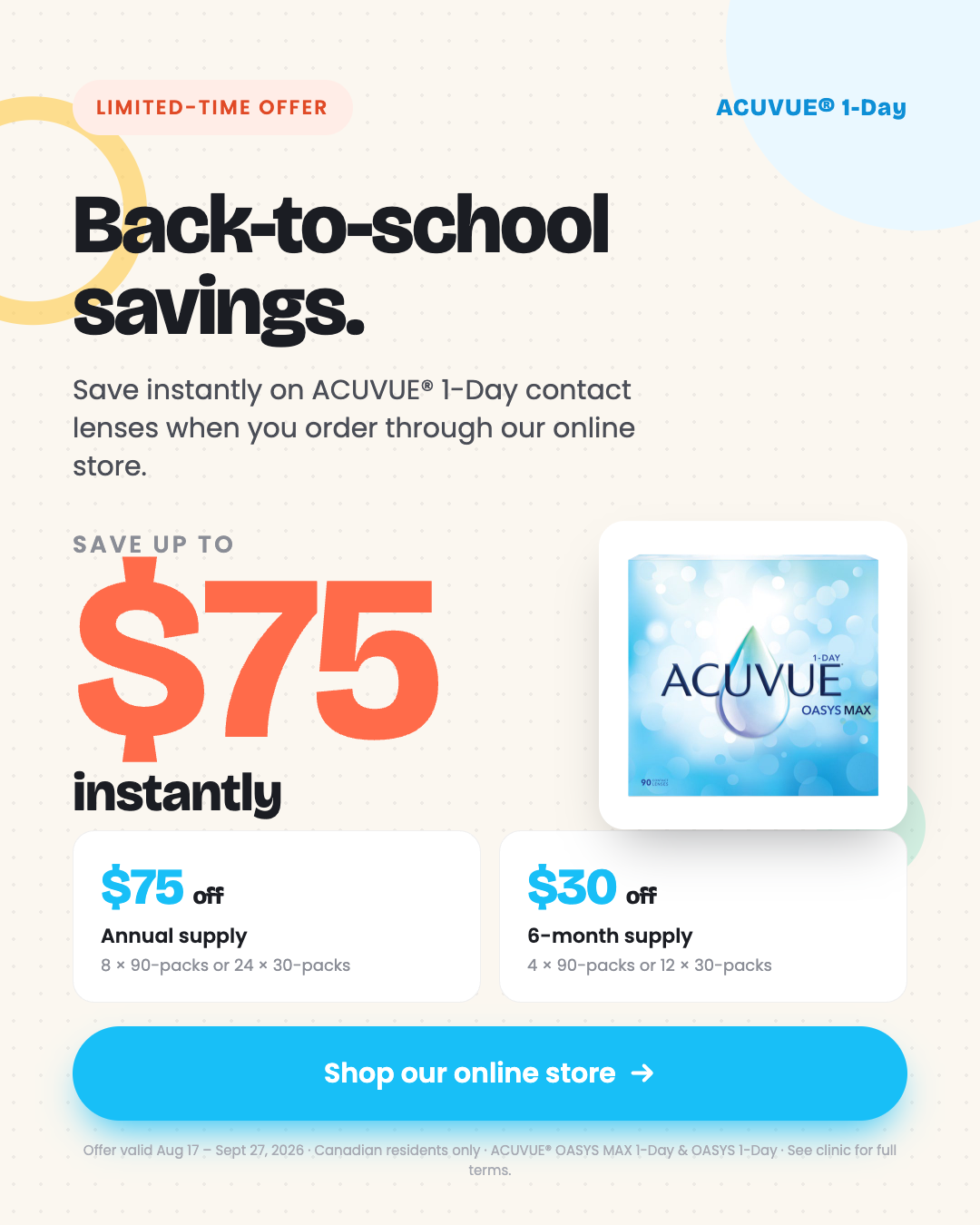
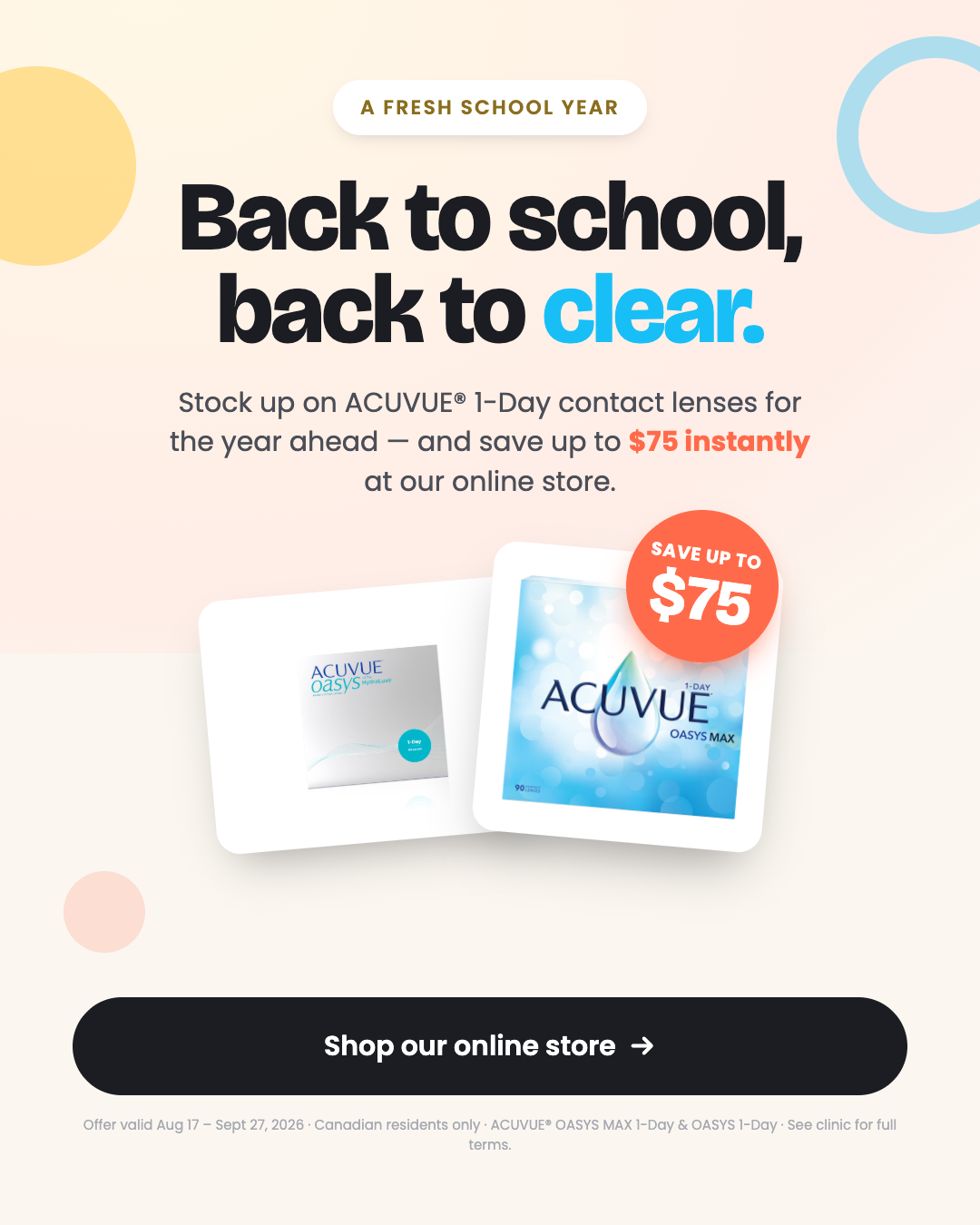
Two ready-to-post graphics for Instagram and Facebook. Download and post them as-is, or use them as inspiration for something in your own clinic's style.
Suggested caption
Back to school, back to clear 👓 Save up to $75 instantly on ACUVUE® 1-Day contact lenses when you order through our online store — $75 off an annual supply, or $30 off a 6-month supply. Offer ends September 27. Shop now: [your webstore link]
Swap in your own webstore link before posting — the savings only apply to orders placed through your Otto webstore, so the link is what makes the post work. If you'd rather design your own, keep the offer details accurate ($75 annual / $30 six-month, ends September 27, Canadian residents only) and note that the offer is online-only.
Questions about the promo?
Your Otto team can help with order links, banner setup, or confirming whether a specific order qualifies.
Contact Otto support →