Eye Recommend exclusive · Otto required
CooperVision is funding up to an additional $70 off for your new patients
Plus paying your clinic $25 to $50 for every new CooperVision patient you enroll through Otto. It stacks on top of any CooperVision rebate your patient already qualifies for. The offer is live now and runs to October 31 — or until the funding runs out. The one thing to know: the patient checks out through Otto, so every patient gets an order link. Here's how to run it, plus the banner and social posts to promote it.
What your patients save
Applied automatically at checkout across the CooperVision portfolio, on top of any CooperVision rebate the patient already qualifies for. No code, nothing for your staff to apply.
$30
Off · instantly
4-box purchase
4 boxes
$70
Off · instantly
8-box purchase
8 boxes
The better value for the patient, and the tier worth steering an annual supply toward.
Eligible lenses
- Harmony® 1 Day (Sphere, Toric & Multifocal)
- MyDay® daily disposable family
- MyDay® MiSight® 1 day
- clariti® 1 day family
- Biofinity® family
What you earn
Per newly enrolled CooperVision patient, credited on your December 2026 Eye Recommend statement. This is earned on enrollment — it needs the order placed in Otto, but unlike the patient's savings it doesn't depend on who completes the checkout.
$25
CooperVision National Branded Portfolio
clariti® 1 day, MyDay®, MyDay® MiSight® 1 day, Biofinity® — and the Harmony® FRP family.
$50
Harmony® 1 Day portfolio
Harmony® 1 Day Sphere, Toric & Multifocal. The Harmony® FRP family is excluded and earns $25.
What's this order worth?
Three questions. Tells you what the patient saves and what you earn.
How it works
You send an order link
Every patient gets one — including the one sitting in your chair. Send Order Link at the top of the screen, or carry a Lens Quote over to one.
The patient checks out through Otto
This is the step that triggers the discount. It shows in the per-box breakdown and again at checkout — no code, nothing for them to apply.
You're credited in December
Eye Recommend credits your earned incentives on your December 2026 statement.
Who pays for what
CooperVision funds it
The patient savings are funded by CooperVision, not taken out of your margin.
The patient saves at checkout
$30 or $70 off immediately — no mail-in, no rebate form, no waiting.
You're credited in December
Eye Recommend credits your $25 or $50 per patient on the December 2026 statement.
Run it in Otto
The promotion is configured centrally and pushed to your account — you don't build it. Setup takes about five minutes. Step 3 is the one that delivers the patient's savings.
- Click Promotions in the left-hand sidebar, then the Promotions sub-tab at the top. Look for CooperVision Fall Savings — 4 Box and CooperVision Fall Savings — 8 Box, and make sure the toggle is switched on for both. A promotion that exists but is toggled off applies nothing at checkout.
- Click the gear icon (Settings) in the left-hand sidebar → Webstore → Promotional Banners. Click the image upload box and select cooper-vision-fall-2026-webstore-banner.jpg from the download below. Save your existing banner first if you want it back on November 1.
- Send every patient an order link — including the ones standing in front of you. This is how the savings reach the patient: the discount is applied when they check out through Otto. Use Send Order Link at the top of the screen, or carry a Lens Quote over to one, and let the patient complete the purchase themselves — on their phone at the front desk is fine. Simplest rule to give your staff: every CooperVision purchase goes out as an order link. That way the patient gets their savings and you get your incentive, every time.
- Check the savings actually apply. Send yourself a test order link with 4 boxes of a CooperVision lens on it and take it to checkout. The discount shows in the per-box pricing breakdown and again at checkout. If the numbers look wrong, stop and email help@ottooptics.io before you promote anything.
- On November 1, go back to Settings → Webstore → Promotional Banners and swap the CooperVision banner back out. The promotions deactivate on their end date automatically, but the banner will sit there advertising an expired offer until you replace it.
CooperVision is also funding targeted email campaigns to patients with expiring prescriptions and SMS reminders during the promo period. Email help@ottooptics.io to have one set up for your patient list — it's the single highest-yield thing you can do with this offer.
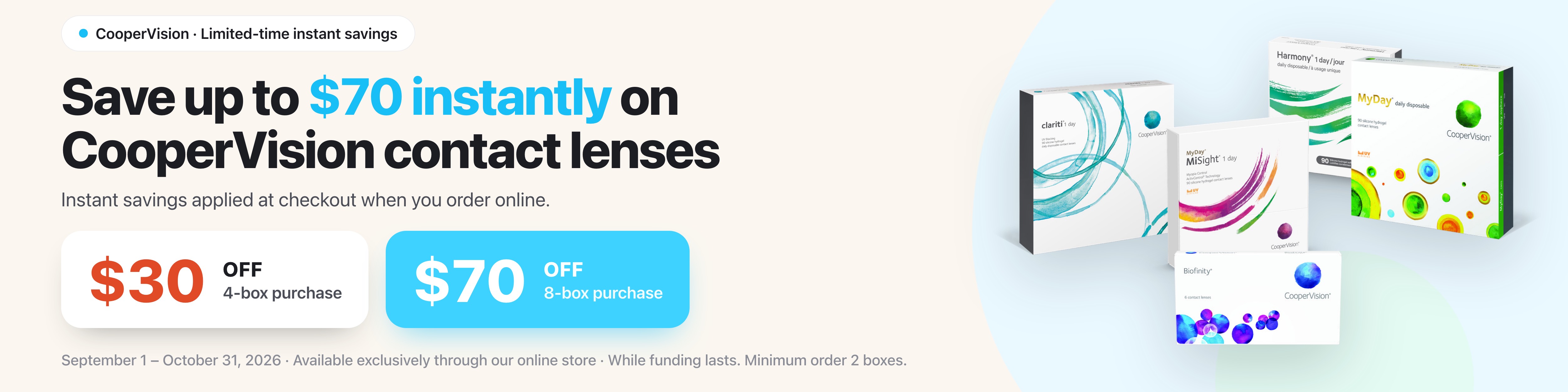
Webstore banner
Upload it as-is under Settings → Webstore → Promotional Banners.
Social posts
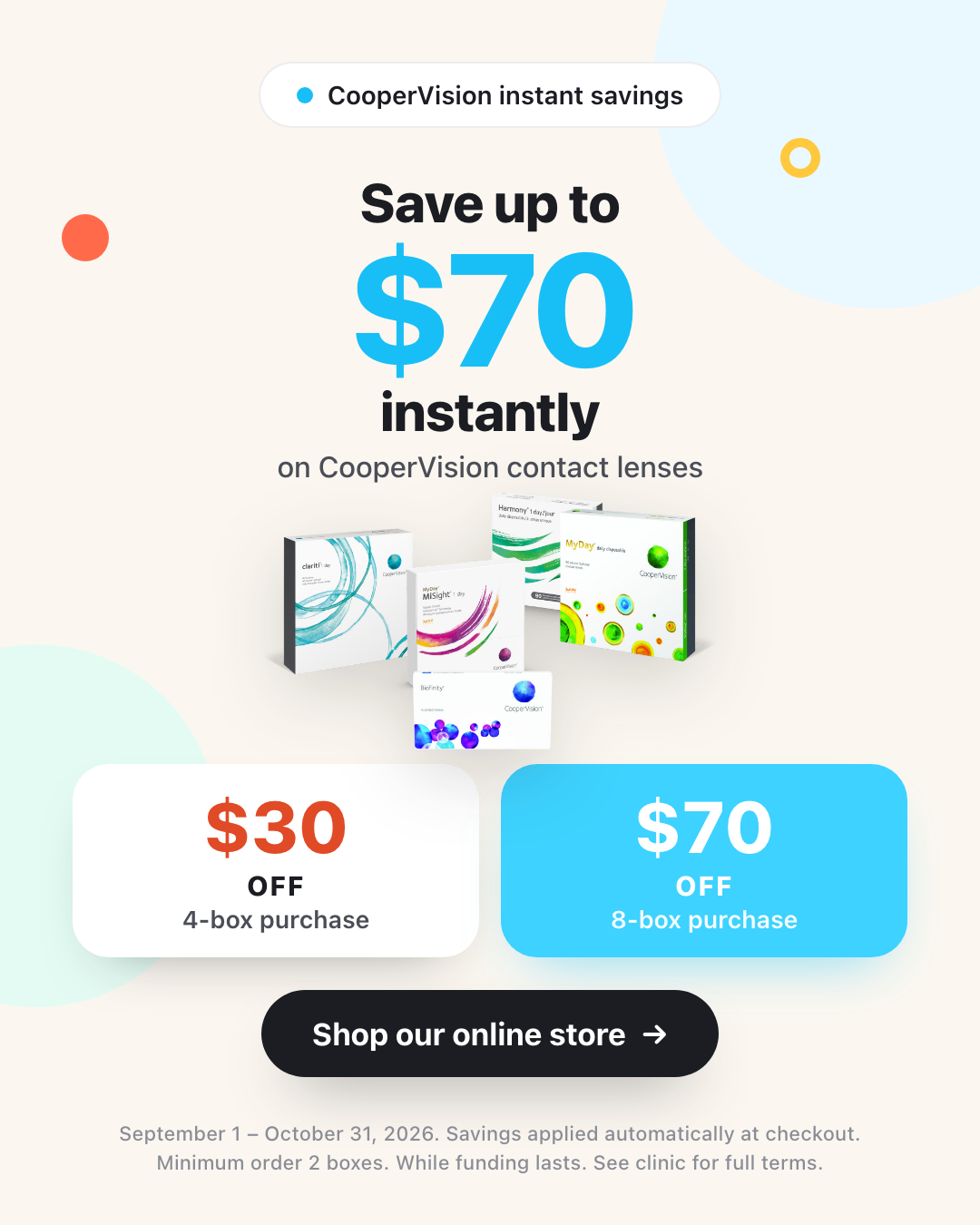
Both carry no clinic name and no Otto branding — download them and post them as your own.

Suggested caption
Stock up before the season gets away from you 👓 Save up to $70 instantly on CooperVision contact lenses when you order through our online store — $70 off 8 boxes, or $30 off 4 boxes. Savings applied automatically at checkout. Offer ends October 31. Shop now: [your webstore link]
Questions clinics are asking
Do my patients need a code?
No. The savings are applied automatically in the per-box pricing breakdown and again at checkout. There's nothing for the patient to enter and nothing for your staff to apply.
The patient is standing right here — can my staff just ring it through?
You can, and you'll still earn your clinic incentive — that's earned when the patient is enrolled in CooperVision through Otto, which happens as soon as the order is placed in Otto. But the patient loses their $30 or $70. The patient savings are applied at the patient's own checkout, so a sale rung through your point of sale means they pay full price.
Send them an order link instead and let them complete the purchase themselves. They can do it on their phone while they're still at the front desk. Use Send Order Link at the top of the screen, or carry a Lens Quote over to one. Same for a patient who calls in, or one you quoted last week.
Simplest rule to give your staff: every CooperVision purchase goes out as an order link. That way the patient gets their savings and you get your incentive, every time.
What's the difference between what the patient needs to do and what I need to do?
Two separate things, with two separate conditions:
Your $25 or $50 incentive is earned on enrollment. The order needs to be placed in Otto so the patient is enrolled in CooperVision there. It doesn't matter who completes the checkout.
The patient's $30 or $70 is applied at their checkout in Otto. They have to complete the purchase themselves, via an order link or your webstore.
Route every purchase through an order link and both conditions are met without anyone having to think about it.
Does the patient discount come out of my margin?
No. CooperVision funds the patient savings. You're also earning a clinic incentive on top — $25 or $50 per newly enrolled patient — credited on your December 2026 Eye Recommend statement.
What exactly counts as a “new” CooperVision patient?
A patient newly enrolled into CooperVision through Otto during the promo period. If your clinic is new to Otto, importing your existing CooperVision patient base does not make those patients eligible — they aren't new CooperVision patients to the practice.
Which Harmony products earn the $50?
Harmony® 1 Day Sphere, Toric and Multifocal. The Harmony® FRP family is excluded from the $50 and earns the $25 incentive instead.
What does a 2- or 3-box order get?
No patient savings — those start at 4 boxes. But the order is still eligible for the promotion, so if it's a new CooperVision patient you still earn the $25 or $50 clinic incentive. Orders under 2 boxes aren't eligible at all.
Does this stack with existing CooperVision rebates?
Yes — that's the point of it. These savings are additional. They come off on top of any CooperVision rebate your patient already qualifies for, so a patient can take their usual rebate and the $30 or $70 off at checkout.
What about insurance, or my own clinic promotions?
Otto treats manufacturer rebates, clinic promotions, and volume pricing as separate systems, and how they combine depends on how your account is configured. Add this alongside whatever you already run, then check the price in your own webstore before you promote it. If the combined price doesn't look right, contact help@ottooptics.io.
Where a patient files an insurance claim, the claim should be based on what they actually paid after all rebates and savings.
What happens to orders placed after October 31?
The promotions carry an end date and deactivate automatically, so orders after the end date price at your normal rates. Anything placed on or before October 31 counts.
Could the offer end early?
Yes. Funding is capped and allocated first-come, first-served, and CooperVision and Eye Recommend reserve the right to close the promotion at any point before October 31. That's the main reason not to sit on it.
I'm not on Otto yet — can I still participate?
Otto is required to earn the incentives. Clinics joining Otto for this promotion get their first month of subscription covered. Setup takes about 20 minutes. Note that your historical CooperVision patient base won't be eligible — only new CooperVision patients enrolled from the point you join. Email help@ottooptics.io to get started.
Need a hand getting it live?
We'll check the promotion is switched on for your location, help with the banner, or set up a targeted email to your patients with expiring prescriptions.
help@ottooptics.io